K7 Total Security for Windows
Complete Virus Protection with Parental Controls for Windows PCs
Online threats have become more advanced and more frequent. From malware and ransomware to phishing attacks, spyware, and performance slows caused by background processes, today’s Windows PC users need more than basic antivirus software — they need a complete security and performance suite. K7 Total Security for Windows PC is one such comprehensive solution. When you download K7 Total Security for PC, you get full protection against cyber threats, real‑time threat detection, system optimization tools, parental controls, firewall management, and more.
Developed by K7 Computing, a trusted name in cybersecurity, K7 Total Security Windows edition delivers powerful real‑time protection that shields your computer from viruses, spyware, ransomware, Trojans, worms, and other forms of malware. It uses advanced scanning engines that continuously monitor your system, detecting and blocking threats before they can cause harm. For users searching for the best antivirus and security suite for Windows 10/11 PC, K7 Total Security is a reliable choice that combines powerful protection with minimal performance impact.
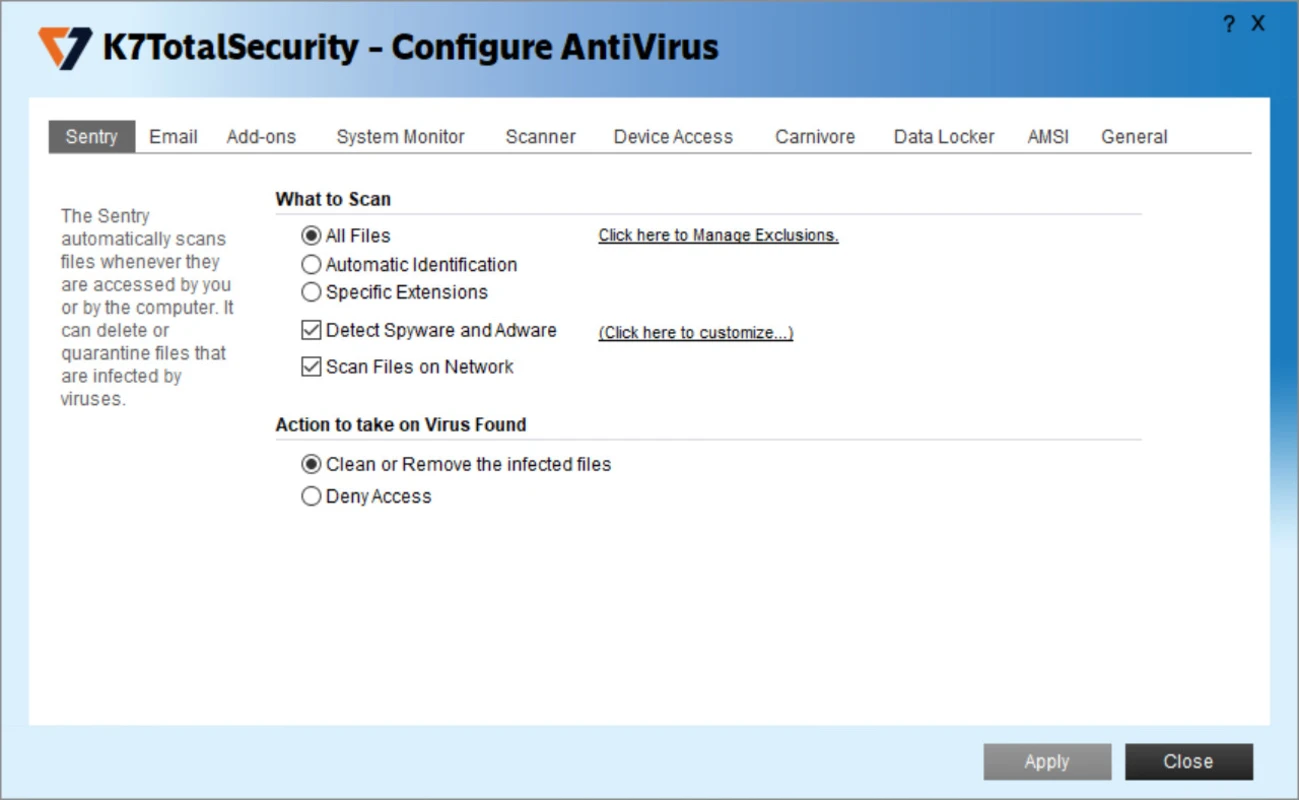
One of the core strengths of K7 Total Security antivirus for PC is its real‑time scanning technology. Whenever you download a file, open an email attachment, or install a new application, K7 automatically checks the content for risks. Suspicious files are quarantined and neutralized before they can infect your system. This proactive approach is essential for users who want complete malware protection for Windows PC without having to run manual scans constantly.
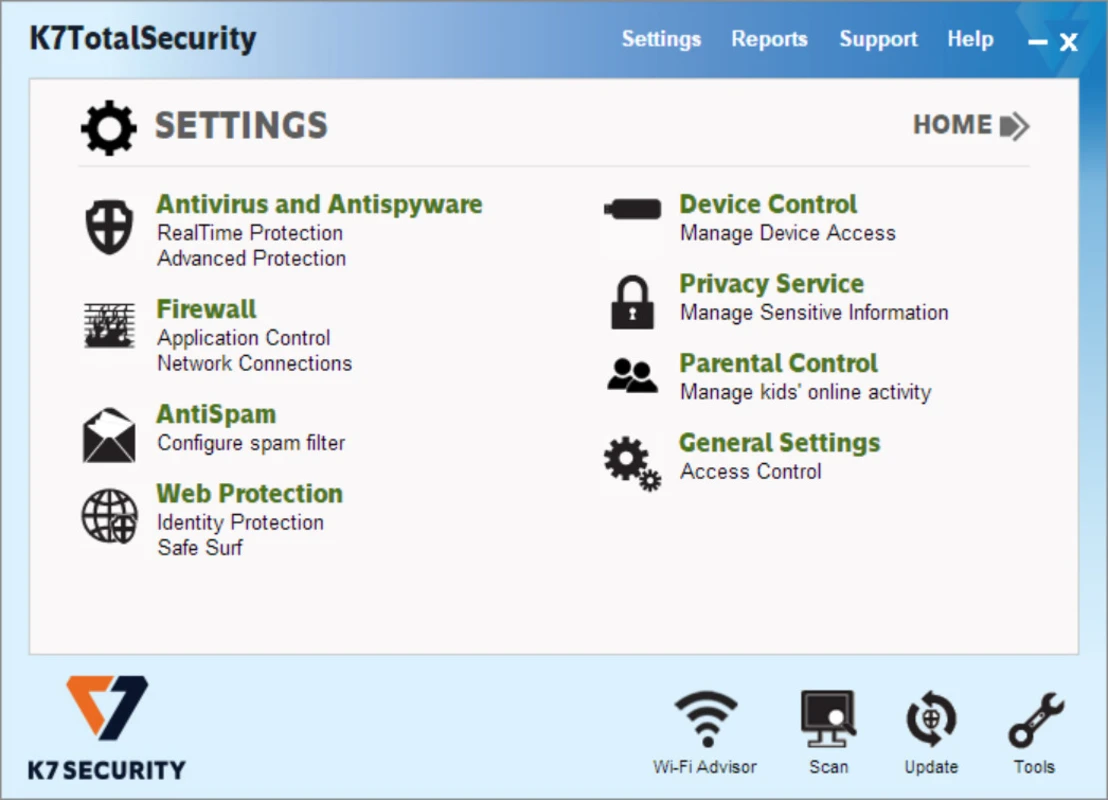
K7 Total Security also includes a customizable firewall that gives you control over incoming and outgoing network traffic. The firewall can block unauthorized access attempts and alerts you when an unknown program tries to connect to the internet. For users who work on public Wi‑Fi networks or share files frequently, this added layer of defense helps prevent hackers and cybercriminals from breaching your system.
In addition to core security features, K7 Total Security includes system optimization tools that help keep your Windows PC running fast. Over time, temporary files, registry errors, and unnecessary startup items can slow down performance. With built‑in tools for disk cleanup, registry optimization, and startup management, K7 helps you reclaim system resources and improve responsiveness. Many users who search for Windows PC performance optimization software with antivirus choose K7 because it combines security and cleanup in one package.
Parental control features are also part of the suite, making it ideal for households with children. You can block access to inappropriate websites, restrict gaming or social media usage during certain hours, and monitor online activity across multiple user accounts. Parents looking for family PC protection software appreciate how easy it is to manage safe browsing rules and enforce healthy screen‑time habits.
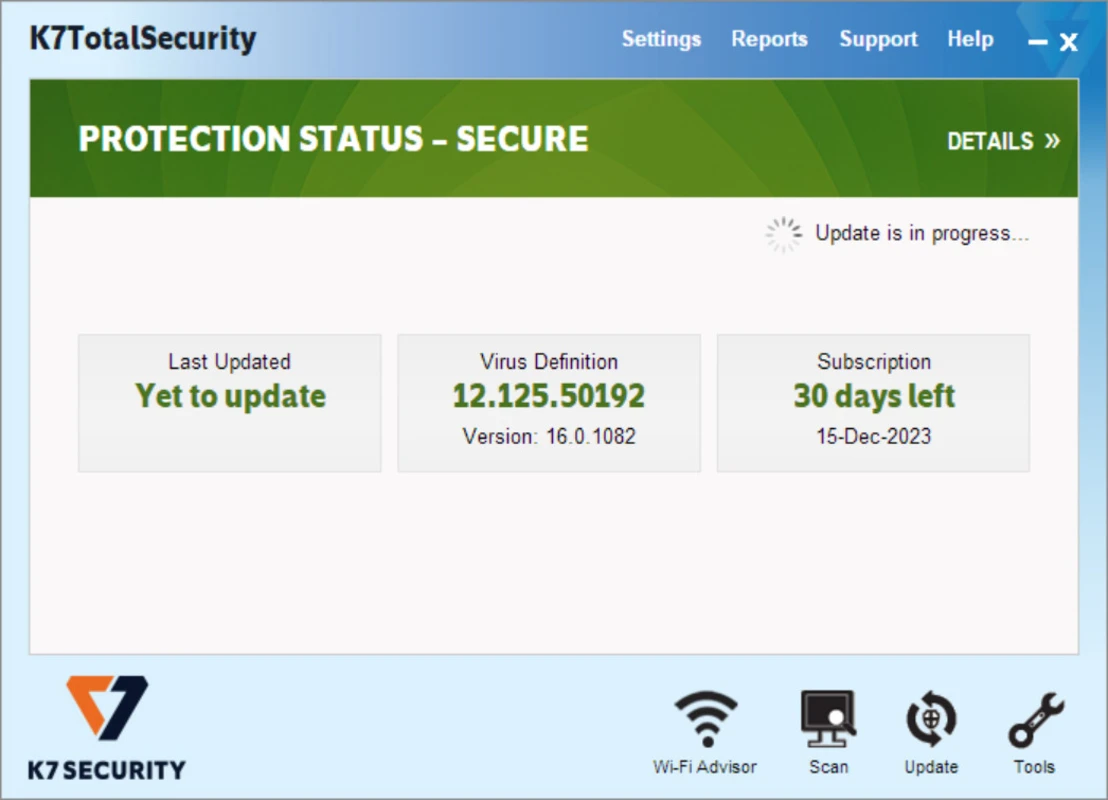
Another advantage of K7 Total Security for Windows is its automatic updates. The threat landscape evolves constantly, with new malware designed to evade outdated detection systems. K7 updates its virus definitions and scanning algorithms regularly, ensuring that your protection remains current against emerging threats. This automatic updating is essential for users who want up‑to‑date virus protection for Windows PC without manual intervention.
Installation and setup are straightforward. After completing the K7 Total Security free download for PC, simply run the installer and follow the guided steps. The intuitive interface makes it easy to configure security settings, schedule scans, manage firewall rules, and access optimization tools. Even non‑technical users can get full protection up and running with minimal effort.
K7 also includes features like email scanning, anti‑phishing protection, and removable media scanning (USB/flash drives), which are important for anyone who frequently transfers files between devices. The suite’s multi‑layered approach ensures that threats from all entry points are detected and stopped, preventing infections before they spread.
If slow performance, unwanted pop‑ups, intrusive apps, or potential cybersecurity threats are affecting your Windows experience, installing K7 Total Security full suite for Windows PC can make a significant difference. It improves protection, enhances performance, simplifies system cleanup, and provides peace of mind. For users searching for the best all‑in‑one security and optimization software for Windows PC in 2026, K7 Total Security remains a powerful, dependable, and user‑friendly choice.